 Watch free
Free preview · NPN models on one plant: four designs, one brief — opens in the course player
Private 5G: NPN Architecture, Spectrum & the Enterprise Edge
Private 5G decided the way a plant actually decides it: whose network it is and who runs each piece, which spectrum it may use and who it must stay in step with, how many cells a metal hall really needs, and where the core sits when the WAN goes down. It ends on a reference port, decided layer by layer and tested one failure at a time.
Every 5G & 6G course free for 7 days
- Lessons
- 34
- Video
- ≈3.6h
- Hands-on
- 4 labs · 13 checkpoints
- Before you start
- 5G Foundation
About this course
Who it's for. Working RAN, core and transport engineers, and enterprise IT/OT network engineers in factories, ports, mines, campuses, hospitals and venues.
Before you start. 5G Foundation. RAN and core depth are not assumed — decibels, frame arithmetic and the authentication methods are built from zero where the course needs them.
This course includes
- 34 video lessons — the first needs no account, and all are free for your first 7 days
- Hands-on labs and checkpoints
- Study pack — question bank and slides
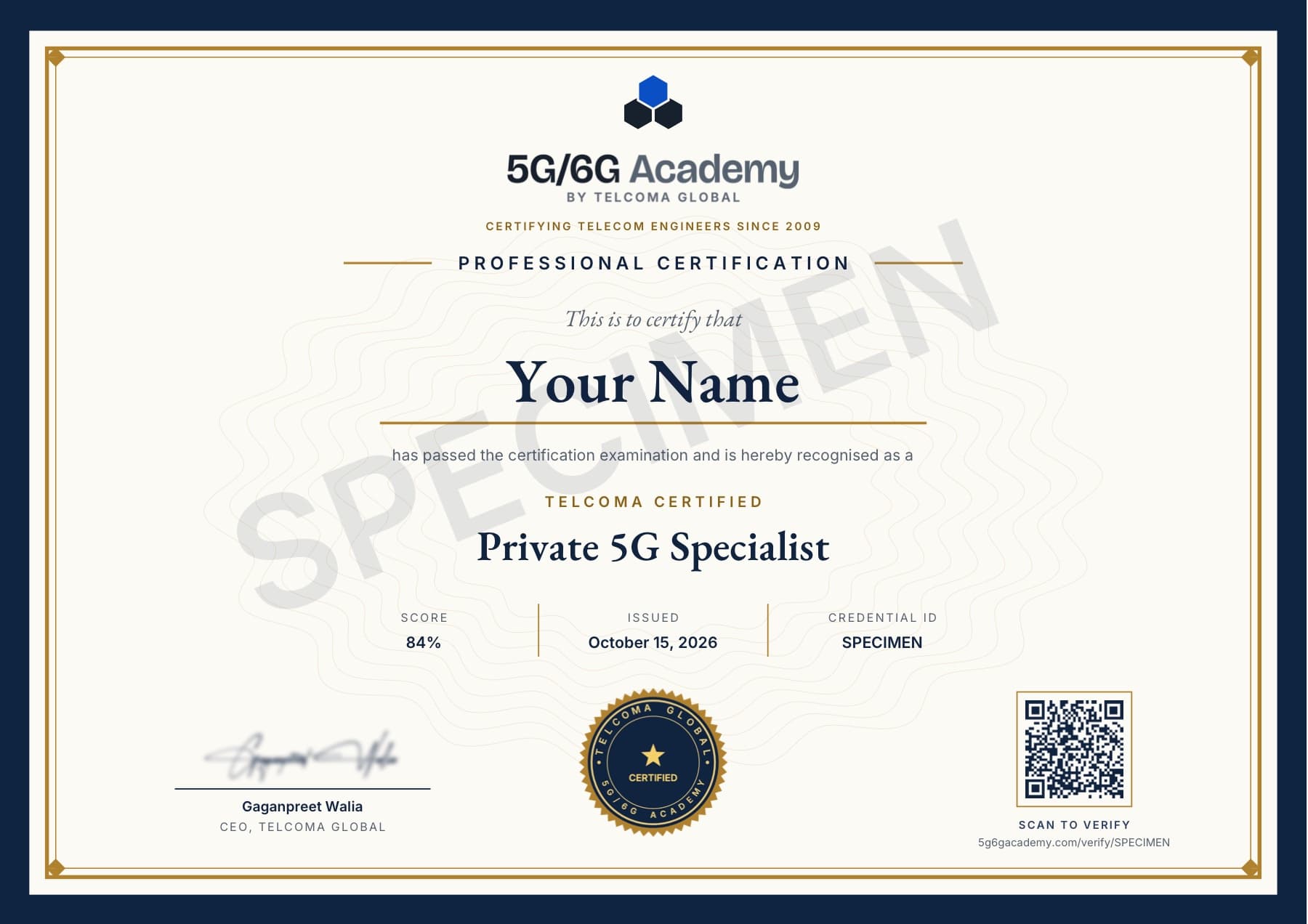
- Certification exam and a QR-verifiable certificate
Skills you'll gain
- SNPN & PNI-NPN design
- Network function placement
- EAP-TLS & credentials holders
- Device onboarding
- CBRS & local licences
- TDD coexistence
- Industrial uplink capacity
- Small cells, DAS & MOCN
- Edge UPF & N6 design
Syllabus
7 modules · 34 lessons · certification exam
Module 1 — NPN designs on one plant: ownership, traffic and placement
Sort four NPN designs by placement, ownership and operation; compute which direction runs out first against the neighbours' frame; pick one and derive its site footprint.
4 lessons · 1 checkpoint · ≈27 min
- Lesson 1NPN models on one plant: four designs, one briefWatch free6:30
- Lesson 2Plant traffic mix: busy-hour uplink against the frameFree with an account6:46
- Lesson 3NPN decision tree: six questions that pick a designFree with an account6:37
- Lesson 4Network function placement: on site or off siteFree with an account6:40
- CheckpointRun the Six Questions · Checkpoint~5 min
Module 2 — SNPN and PNI-NPN mechanics: identity, selection and access control
Read how SNPN and PNI-NPN networks identify themselves, how devices select them and are admitted, and exactly where each model's boundaries lie.
5 lessons · 2 checkpoints · ≈34 min
- Lesson 1SNPN identity: PLMN ID plus a network identifierFree for 7 days with a free account, then with Prime Membership7:17
- Lesson 2SNPN selection and access control: find, register, rejectFree for 7 days with a free account, then with Prime Membership7:39
- Lesson 3PNI-NPN on a public network: dedicated DNN or sliceFree for 7 days with a free account, then with Prime Membership6:19
- Lesson 4CAG: closed access groups on public cellsFree for 7 days with a free account, then with Prime Membership5:54
- Lesson 5SNPN boundaries: mobility, roaming and the N3IWF overlayFree for 7 days with a free account, then with Prime Membership6:41
- CheckpointThe Fence Between Two Plants · Checkpoint~6 min
- CheckpointWhat Crosses the Fence · Checkpoint~5 min
Module 3 — Credentials and onboarding: certificates, holders and first contact
For certificate-only devices, choose EAP-TLS or AKA plus secondary authentication, trace EAP-TLS to the anchor key, and onboard factory-fresh devices through a credentials holder.
5 lessons · 2 checkpoints · ≈35 min
- Lesson 1SNPN primary authentication: AKA keys or certificatesFree for 7 days with a free account, then with Prime Membership8:37
- Lesson 2EAP-TLS in an SNPN: exchange and anchor keyFree for 7 days with a free account, then with Prime Membership7:38
- Lesson 3Credentials Holder: AAA-server and AUSF/UDM variantsFree for 7 days with a free account, then with Prime Membership6:43
- Lesson 4UE onboarding: default credentials to provisioned accessFree for 7 days with a free account, then with Prime Membership6:35
- Lesson 5Device readiness: bands, SNPN mode, credential routeFree for 7 days with a free account, then with Prime Membership5:24
- CheckpointDown to the Anchor Key · Checkpoint~6 min
- CheckpointThe First Way In · Checkpoint~6 min
Module 4 — Spectrum regimes and TDD coexistence
Classify private-spectrum routes by mechanism, work database-managed grants and fixed area-licence edges, choose synchronised, semi-synchronised or guard-band TDD, and build the licence application ledger.
5 lessons · 1 lab · 1 checkpoint · ≈30 min
- Lesson 1Private spectrum routes: five licensing models by mechanismFree for 7 days with a free account, then with Prime Membership7:29
- Lesson 2Database-managed sharing: CBRS tiers and SAS grantsFree for 7 days with a free account, then with Prime Membership5:41
- Lesson 3Local licences: where the licensed area endsFree for 7 days with a free account, then with Prime Membership5:39
- Lesson 4TDD coexistence: sync, semi-sync or guard bandFree for 7 days with a free account, then with Prime Membership6:26
- Lesson 5Licence application ledger: site inputs to feeFree for 7 days with a free account, then with Prime Membership4:55
- CheckpointPlace the Offer · Checkpoint~6 min
- Interactive labLine Up the Frames · Interactive lab~7 min
Module 5 — Industrial RAN design: uplink, metal, mobility and position
Count each zone's cells from uplink demand and a metal-hall link budget, choose small cells, DAS or MOCN, budget AGV handovers, and sort positioning claims.
5 lessons · 2 labs · 2 checkpoints · ≈31 min
- Lesson 1Uplink capacity under D·D·D·S·U: cameras set the countFree for 7 days with a free account, then with Prime Membership4:52
- Lesson 2Indoor link budget: a metal-hall small-cell ledgerFree for 7 days with a free account, then with Prime Membership5:52
- Lesson 3Small cells, DAS or shared RAN: MOCN and neutral hostsFree for 7 days with a free account, then with Prime Membership7:05
- Lesson 4AGV mobility across dense cells: interruption versus control loopFree for 7 days with a free account, then with Prime Membership7:45
- Lesson 5Industrial positioning: targets, simulations and field claimsFree for 7 days with a free account, then with Prime Membership5:03
- Interactive labCount the Cells · Interactive lab~6 min
- Interactive labClose the Link · Interactive lab~6 min
- CheckpointPull a Lever · Checkpoint~5 min
- CheckpointWhere the Claim Sits · Checkpoint~5 min
Module 6 — Enterprise edge: control plane, user plane, plant network
Decide where the control and user planes run and what a WAN cut stops, then design the plant's data networks, addressing, N6 firewall, Layer-2 carriage and timing.
5 lessons · 3 checkpoints · ≈29 min
- Lesson 1Off-site control plane: what a WAN cut stopsFree for 7 days with a free account, then with Prime Membership6:37
- Lesson 2On-site UPF placement: local exit on the plant-edge nodeFree for 7 days with a free account, then with Prime Membership5:14
- Lesson 3DNN design and N6: zones, addresses, firewallFree for 7 days with a free account, then with Prime Membership5:45
- Lesson 4Ethernet PDU sessions and 5G VN groups: Layer-2 carriageFree for 7 days with a free account, then with Prime Membership6:15
- Lesson 5TSN and time sync over 5G: one bridge per UPFFree for 7 days with a free account, then with Prime Membership5:13
- CheckpointWhat the Cut Stops · Checkpoint~6 min
- CheckpointWhich Lane Carries It · Checkpoint~5 min
- CheckpointRule or Practice · Checkpoint~5 min
Module 7 — Operations, migration and alternatives: a design you can defend
Assign operations and SLA ownership per design, weigh Wi-Fi against private LTE and 5G, plan an LTE-to-5G migration within its interworking limits, and stress-test a port design.
5 lessons · 1 lab · 2 checkpoints · ≈31 min
- Lesson 1Operations and SLAs: who is paged when it failsFree for 7 days with a free account, then with Prime Membership6:48
- Lesson 2Wi-Fi, private LTE or private 5G: a two-sided decisionFree for 7 days with a free account, then with Prime Membership6:04
- Lesson 3Private LTE to 5G: interworking limits and market evidenceFree for 7 days with a free account, then with Prime Membership6:02
- Lesson 4Reference port design: every layer decidedFree for 7 days with a free account, then with Prime Membership7:13
- Lesson 5Failure-mode review: what the port design survivesFree for 7 days with a free account, then with Prime Membership5:19
- CheckpointWho Gets the Call · Checkpoint~5 min
- Interactive labWeigh It Both Ways · Interactive lab~6 min
- CheckpointTake One Away · Checkpoint~6 min
Certification exam
Earns a certificate49 questions · 60 min · 65% to pass — earns your TELCOMA Certified Private 5G Specialist, a QR-verifiable certificate.
Look up any acronym in the telecom glossary
Certification
Earn the TELCOMA Certified Private 5G Specialist
Pass the 49-question exam with 65% or more, and the certificate is yours to show anyone.
- Show proofEvery certificate carries a QR code and a public page that anyone can check.
- Add it to LinkedInPut it in the Licenses & certifications section of your profile in one click.
- Build a collectionEach of our 13 courses earns its own certificate.
Study materials
Download the Private 5G: NPN Architecture, Spectrum & the Enterprise Edge question bank and slide deck — every signal check in the course, with answers, plus every figure.
- Question BankPDF45 KB
- Slide DeckPPTX18 MB
Hands-on learning
Do it, don't just watch it
Modules end with a hands-on exercise — 4 labs · 13 checkpoints in this course. You move the controls, the numbers answer back, and a wrong turn tells you why.
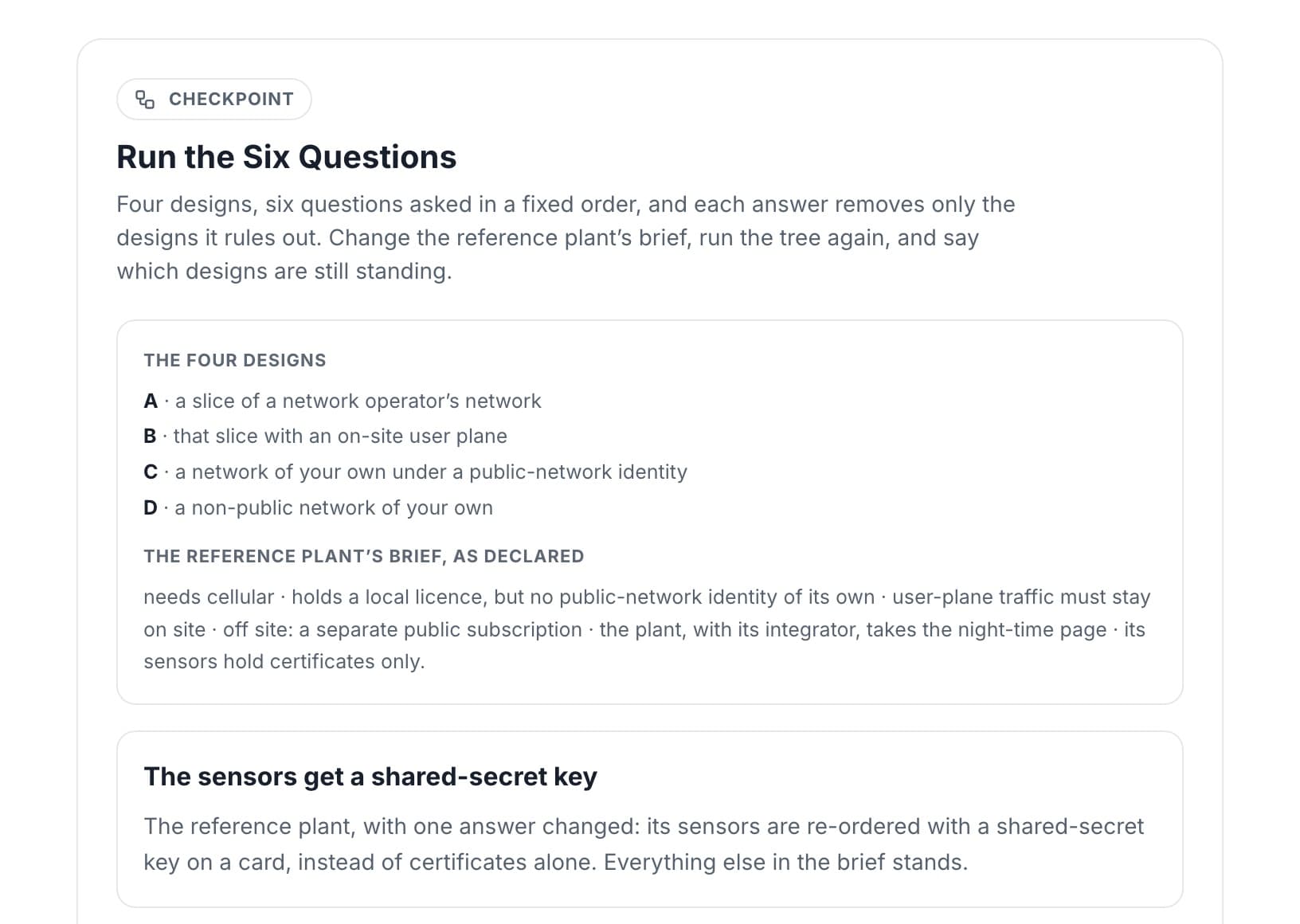
Try this one first:
Run the Six Questions · Checkpoint · ~5 min
Try it freeFree with an account — no card.
What you'll build
3 of 17 — the rest are in the syllabus
- Lab 1Line Up the FramesYour frame against a neighbour’s, symbol by symbol. Set when it starts and what each slot does, and read who is hit in each direction — and what each timing remedy costs you.Module 4~7 min
- Lab 2Count the CellsStack cells against each zone’s uplink at a declared per-cell figure, decide which devices must be wireless at all, and watch what each extra cell does to a cart on its lap.Module 5~6 min
- Lab 3Close the LinkOne small cell under a metal roof, downlink and uplink side by side. Find how far it reaches, which column closes with the smaller margin, and the row that decides it.Module 5~6 min
Ways to learn
Choose the way that fits you.
| Feature | This certification Price loadingonce One credential, yours for good | Recommended Prime Membership Price loading/year Every course, including new ones | Free account Free Every course for your first 7 days, then the first module of each |
|---|---|---|---|
| Lessons and labs in this course | All for your first 7 days, then the first module | ||
| Study pack — question bank and slides | For your first 7 days | ||
| Certification exam and verifiable certificate | This course | Every course | |
| Every other course | First module | All, and new ones | All for your first 7 days, then the first module |
| Full-length practice exams | For your first 7 days | ||
| TelcoMentor AI coach | For your first 7 days, at a smaller daily limit | ||
| Hands-on scenarios — traces, logs, configs | Selected traces | All for your first 7 days, then selected traces | |
One payment · no renewal | See Prime Membership Renews yearly · cancel anytime | Join for free No card needed |
This certification
Price loadingonce
One credential, yours for good
- Lessons and labs in this course
- Study pack — question bank and slides
- Certification exam and verifiable certificate — this course
- Every other course — first module
- Not included: Full-length practice exams
- Not included: TelcoMentor AI coach
- Hands-on scenarios — traces, logs, configs — selected traces
One payment · no renewal
Prime Membership
Price loading/year
Every course, including new ones
- Lessons and labs in this course
- Study pack — question bank and slides
- Certification exam and verifiable certificate — every course
- Every other course — all, and new ones
- Full-length practice exams
- TelcoMentor AI coach
- Hands-on scenarios — traces, logs, configs
Renews yearly · cancel anytime
Free account
Free
Every course for your first 7 days, then the first module of each
- Lessons and labs in this course — all for your first 7 days, then the first module
- Study pack — question bank and slides — for your first 7 days
- Not included: Certification exam and verifiable certificate
- Every other course — all for your first 7 days, then the first module
- Full-length practice exams — for your first 7 days
- TelcoMentor AI coach — for your first 7 days, at a smaller daily limit
- Hands-on scenarios — traces, logs, configs — all for your first 7 days, then selected traces
No card needed
A new free account opens every course for its first 7 days, no card needed: every lesson and lab, the study packs, the full-length practice exams and TelcoMentor. In those 7 days only the certification exam needs a paid option. After them, the first module of every course stays free. Both paid options come with a 7-day money-back guarantee.
Explore more courses
See all 13 courses → RedCap, eRedCap & Ambient IoTIoT device-class selectionRedCap & eRedCap trade-offsIoT link budgetsIntermediate29 lessons~3h
 5G Foundation5G system architectureNSA vs SAService-based architectureBeginner34 lessons~3.3h
 5G RAN SpecialistNR numerology & frame structureBandwidth partsSSB & random accessIntermediate31 lessons~3.4h